The Rise of Unified Open-Source Frontends
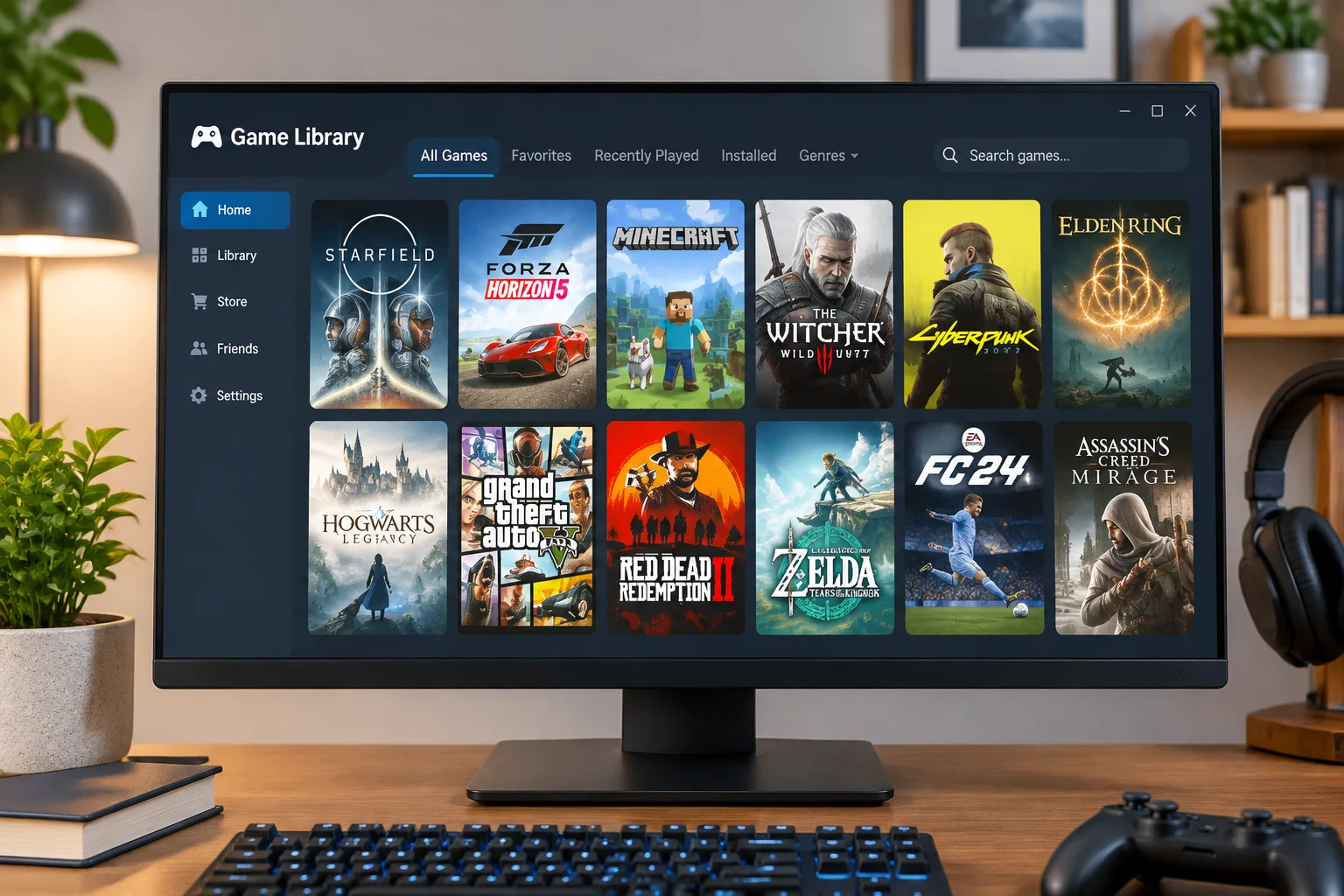
PC gaming has split into a labyrinth of digital storefronts. Between Steam, Epic Games Store, GOG Galaxy, EA app, Ubisoft Connect, and Xbox Game Pass, a typical gamer's collection sits dispersed across multiple services. Loading up individual clients simply to browse a weekend backlog wastes RAM and creates endless interface friction. Open-source frontends such as Playnite and Pegasus have emerged as the definitive countermeasure to launcher sprawl.
These utilities interface with public profile APIs and local filesystem registries to index every purchased, downloaded, and emulated title on your hardware. Unlike heavy commercial alternatives that insist on displaying storefront deals and social media carousels, dedicated aggregators focus solely on your personal library. They run lightning fast, support modular extension plugins, and even provide seamless couch-friendly fullscreen modes that rival dedicated console interfaces.
Managing multiple game launchers shouldn't require more system memory than running an actual vintage game. Modern modular frontends strip away commercial bloat and put the player back in total control of their disk space.
Metadata Scraping, Custom Artworks, and Library Hygiene
A massive game collection quickly turns into visual clutter without accurate cover art, developer descriptions, genre categorization, and release dates. Standard launcher installations frequently miss high-resolution vertical posters or display blurry default thumbnails when titles come from standalone indie distributions or legacy physical installations.
Key Optimization Steps for Library Frontends
Configure your unified desktop manager using these proven maintenance procedures:
- Configure IGDB and SteamGridDB API tokens to scrape 4K animated vertical covers and clear logos automatically.
- Enable aggressive memory trimming so background storefront clients close right after your game process begins.
- Establish universal tag hierarchies separating completed playthroughs, endless roguelikes, and testing builds.
By integrating tools like SteamGridDB alongside community metadata repositories, your desktop transforms into a bespoke interactive showroom. Games from 1998 stand shoulder to shoulder with 2026 ray-traced blockbusters, complete with unified typography, achievement tracking overlays, and playtime telemetry.
Protecting Game Saves and Reclaiming Storage Overhead
Beyond launching binaries, utility software must safeguard your playthrough investments. Games frequently store save files in arbitrary directories—from AppData/Local to My Documents and deep hidden registry paths. Utilities like Ludusavi scan hundreds of known file structures to create scheduled, version-controlled save backups without demanding manual directory exploration.
Complementary utilities also solve SSD bloat by detecting duplicate shader caches, unlinked redistributable installer files, and leftover screenshot caches. Pairing an aggregator like Playnite with a background save backup tool provides the safety net of modern cloud gaming while preserving the freedom, privacy, and speed of an offline PC.