Live Editorial
Technical Guide 11 min read

Comprehensive Guide to Cross-Platform Game Streaming

Deploy low-latency hardware encoding, configure hybrid cloud pipelines, and deliver uncompromised frame pacing across Windows, macOS, Android, and iOS ecosystems.

By Daniel Taylor Published: Platform: PC / Mac / Mobile / Cloud
Architecture Overview

Unified Streaming Pipelines Across Fragmented Hardware

Bridging high-performance desktop renderers with mobile and thin-client display layers demands deterministic encoder latency and jitter-resilient transmission protocols. Modern setups leverage AV1 and HEVC NVENC pipelines alongside lightweight WebRTC tunnels to sustain sub-16ms total glass-to-glass response times.

Establishing consistent input polling and touch virtualization across disparate display aspect ratios removes friction between workstation-class hardware and portable handhelds. This blueprint outlines production-tested configurations designed for both self-hosted home rigs and hybrid cloud hosting nodes.

Production Verified • Host: Windows 11 / Client: iOS, macOS, Android

Technical Specifications

Specs
Target Latency < 14 ms Glass-to-Glass
Primary Codec AV1 / HEVC (H.265)
Target Bitrate 35–50 Mbps (1440p60)
Audio Tunnel Opus 5.1 Surround
Network Layer UDP / QUIC Tunneling
Benchmarked over Wi-Fi 6E (6 GHz) and Gigabit wired local area networks.
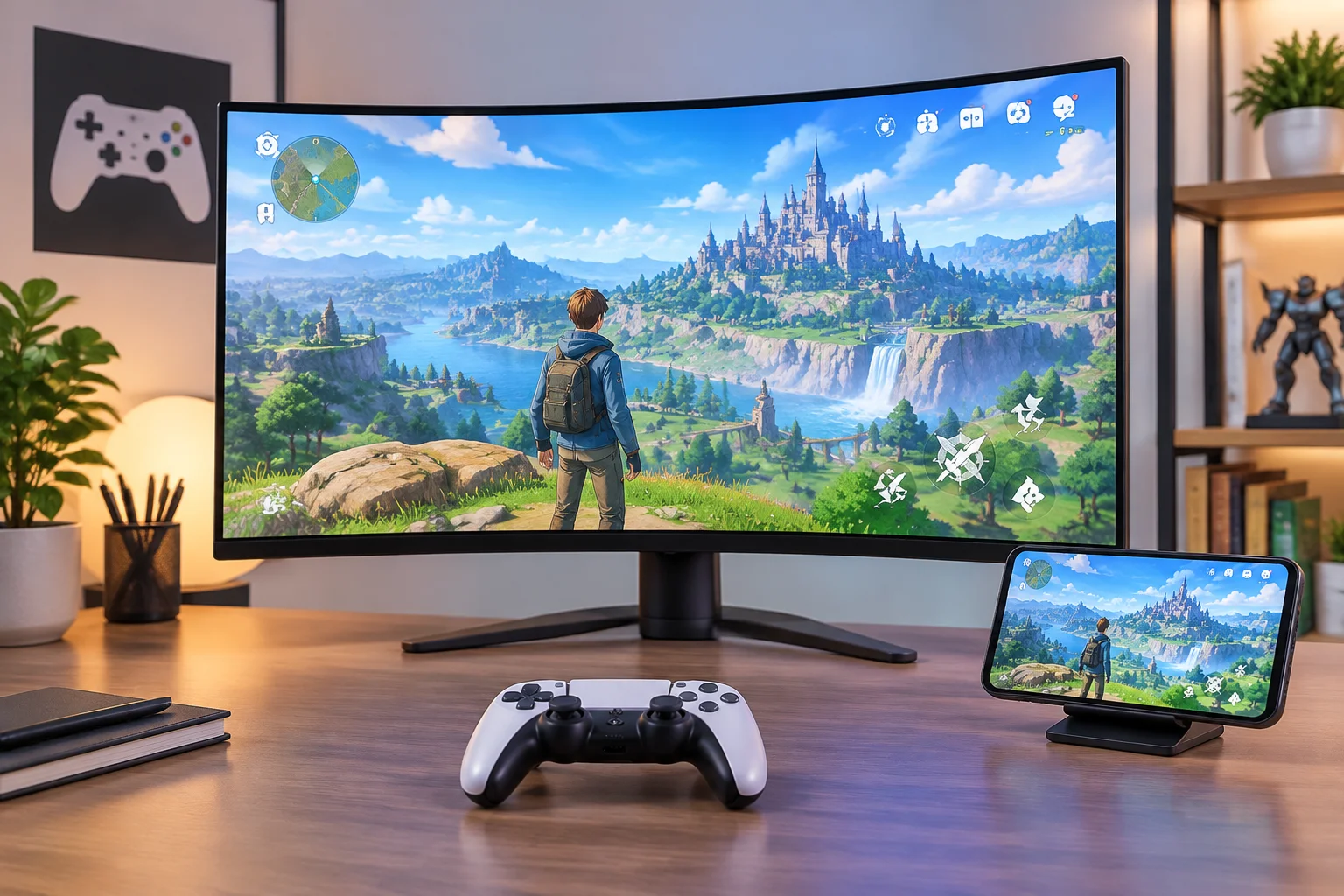
Cross-platform game streaming setup showing synchronized gameplay across monitor, controller, and mobile phone Telemetry Capture
Multi-endpoint synchronized render buffer test 2560x1440 @ 120 FPS
Deployment Kit

Deploy Remote Streaming Protocols

Explore our comprehensive library of game system optimizations, daemon configs, and network buffer scripts built for low-overhead client hosts.

Browse Guide Catalog
Key Takeaways & Core Findings
  • Dedicated hardware NVENC or AMF encoding with CBR bitrate clamping prevents frame pacing spikes during intensive particle effects.
  • UDP-based tunneling with forward error correction (FEC) outperforms TCP fallback solutions by eliminating head-of-line blocking on congested networks.
  • Decoupled input polling threads ensure wireless gamepads report inputs at 500 Hz independently of host video frame generation intervals.

Hardware Host Configuration & Capture Pipelines

Transforming a primary gaming desktop into a reliable streaming node begins with direct display surface capture rather than typical desktop window copying. Utilizing DirectX Desktop Duplication API (DXGI) or Apple Metal surface sharing ensures that raw frames transfer directly from GPU memory into hardware encoder buffers without traversing the system memory bus.

Headless display emulators or virtual display drivers are mandatory when operating hosts without a physical monitor connected. This prevents the GPU driver from dropping down to power-saving clocks or locking the compositor to a fixed 60 Hz limit, enabling variable refresh rate pipelines up to 144 Hz with zero frame skipping.

Real-time game streaming succeeds or fails on deterministic frame pacing. One dropped packet recovered via TCP retransmission introduces noticeable input shudder that ruins competitive play.
— Daniel Taylor, Lead Hardware Analyst

Encoder Calibration: AV1 vs. HEVC Performance

Selecting the appropriate video codec depends directly on client device hardware decode capabilities. Modern silicon such as Apple M-series chips and recent mobile processors offer ultra-efficient hardware AV1 decoding, allowing pristine visual clarity at drastically reduced bitrates compared to traditional H.264 streams.

Production Bitrate Calibration Parameters

Apply these verified parameter sets within Sunshine, Moonlight, or custom WebRTC streaming instances:

  • Constant Bitrate (CBR) mode enabled with zero B-frames for minimal decoding delay.
  • Color space set to Rec.709 with 10-bit color depth to eliminate gradient banding in dark scenes.
  • Slices configured to 4 or higher to distribute decode load evenly across multi-core mobile CPUs.

Whenever client hardware lacks hardware AV1 decoders, fallback to HEVC (H.265) main profile preserves low decode latency without overloading portable battery budgets or thermal thresholds.

Network Tuning, QoS & Input Polling Sync

Jitter buffer management represents the ultimate bottleneck in residential Wi-Fi networks. Enabling Differentiated Services Code Point (DSCP) tagging with Expedited Forwarding (value 46) prioritizes streaming UDP traffic through network router queues ahead of background downloads and OS updates.

For Bluetooth and wired controllers paired with mobile devices, lock the polling rate to 250 Hz or 500 Hz. Overclocking to 1000 Hz often saturates mobile USB bus architectures, causing synthetic packet drops that manifest as momentary input dropouts despite flawless network metrics.

Continuous Updates

Technical Library & OS Performance Guides

Discover our deep-dive analysis on low-latency desktop tuning, virtualization workflows, and native game library management.

Daniel Taylor

Daniel Taylor

Lead Hardware & Streaming Specialist

Daniel specializes in low-latency systems engineering, cloud graphics virtualization, and cross-platform capture pipelines across PC and mobile hardware platforms.

“Deterministic frame delivery turns any thin client into a flagship battlestation.”